( Case Study )
IntegoTotalProtection
Cybersecurity · Six macOS products unified into one app
Introduction
All-in-onemacOSprotection
As antivirus products become more alike, Intego Total Protection is Intego's answer: an all-in-one package that brings the essential macOS security tools together in a single app.
The challenge. Consolidate six different products into a single app, define the features for the beta version, and create consistent user flows across multiple features.
My role. As the lead product designer, I collaborated with Intego's product and engineering teams to define and create the beta version of the product.
Discovery
Dataandcompetitoranalysis
While only 11% of macOS users reported using third-party antivirus in a 2022 AV-TEST survey, the rise in Mac-specific malware has driven growing awareness of security risks.
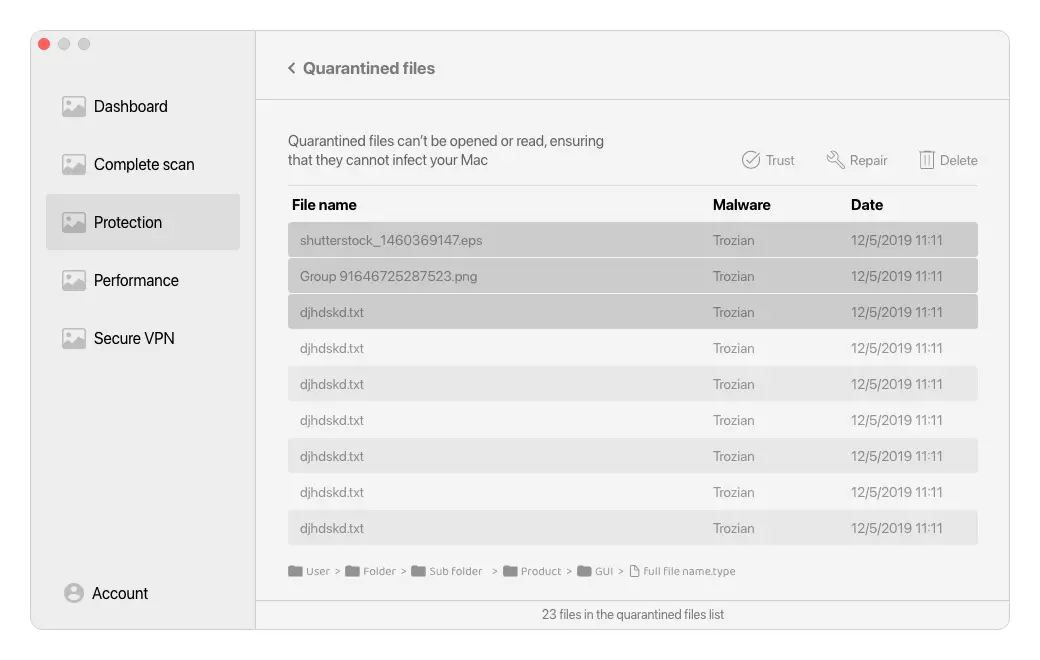
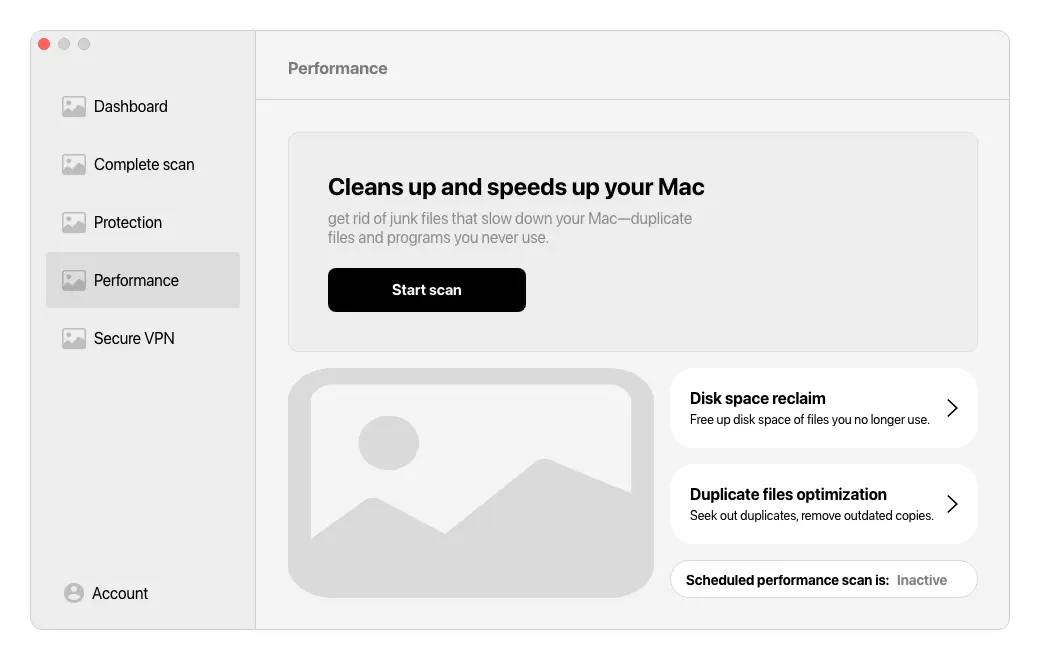
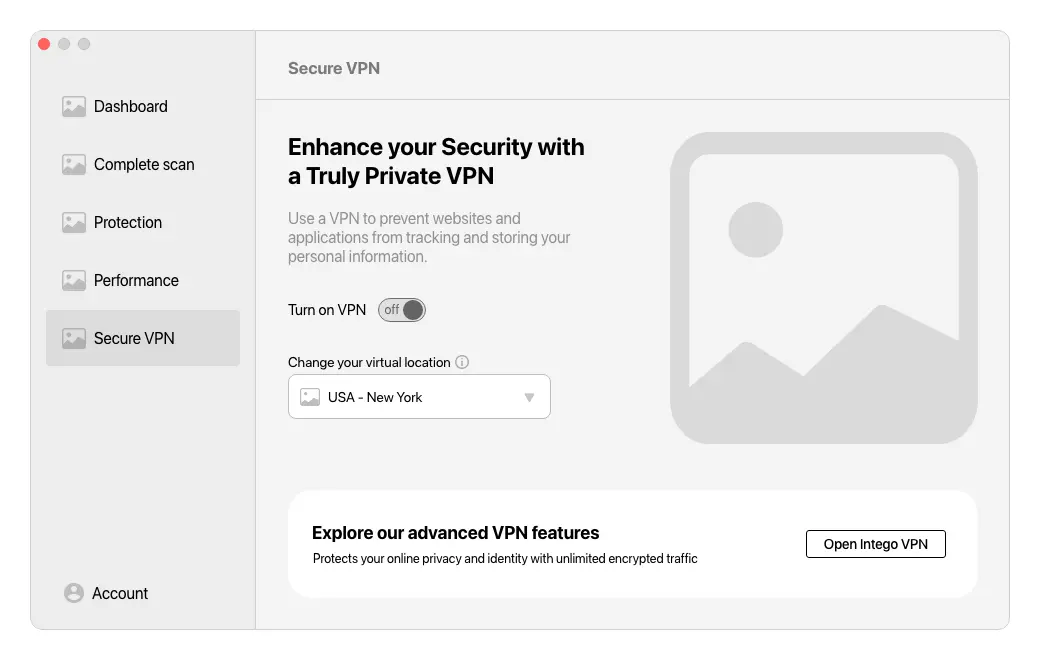
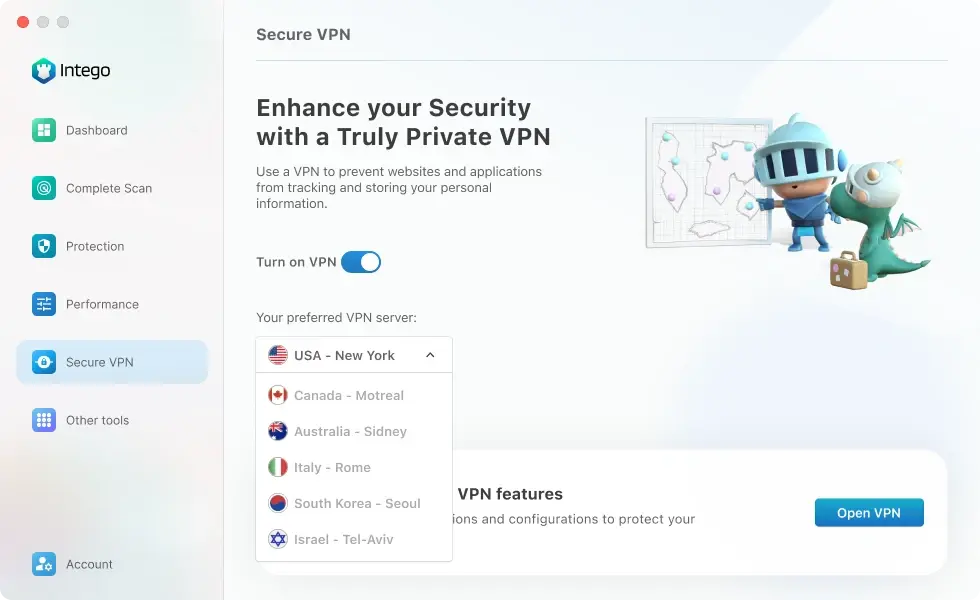
This stage had two parts: data analysis of current users' usage of existing Intego products, and a competitor analysis of Avast One, Norton 360, CleanMyMac X, and Malwarebytes Premium. Working with the BI team, we found the most popular products were the Antivirus (VirusBarrier), Mac cleaner (Washing Machine), and the VPN (Privacy Protection).
- 01Malware scan and real-time detection
- 02Junk and duplicated files cleaner
- 03VPN privacy protection layer
Competitor Analysis
Whatthemarketgetsright,andwrong
Avast One. A sleek interface with clear guidance for beginners, though its extensive features can overwhelm and navigation can be challenging.
Norton 360. Intuitive navigation and context-sensitive menus, but well-organized sections can feel cluttered and technical jargon may confuse non-technical users.
CleanMyMac X. Excels at one-click optimization with transparent tool separation, but offers limited customization and lacks in-depth explanations.
Malwarebytes Premium. Streamlined, user-friendly scanning, but lacks advanced features and broader system-health information.
Define
Shapingthecoreexperience
Building on the discovery insights, we focused on translating user needs and market trends into a product delivering robust protection, seamless performance, and intuitive privacy management.
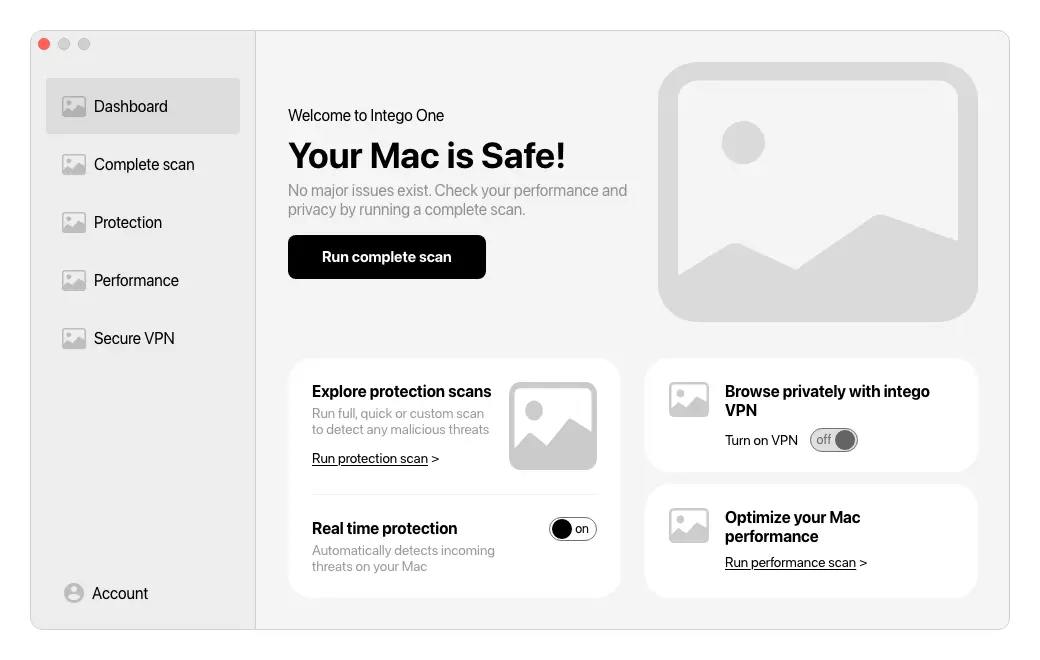
- 01Develop a unified security & privacy suite that integrates antivirus, cleaning and VPN into one platform.
- 02Prioritize ease of use with an intuitive interface for both beginners and advanced users.
- 03Balance features and performance to deliver robust protection without compromising device speed.
- 04Stand out from the competition with unique features, exceptional UX, and transparent communication.
Detailed Design
Avisuallanguagethatfeelscalm
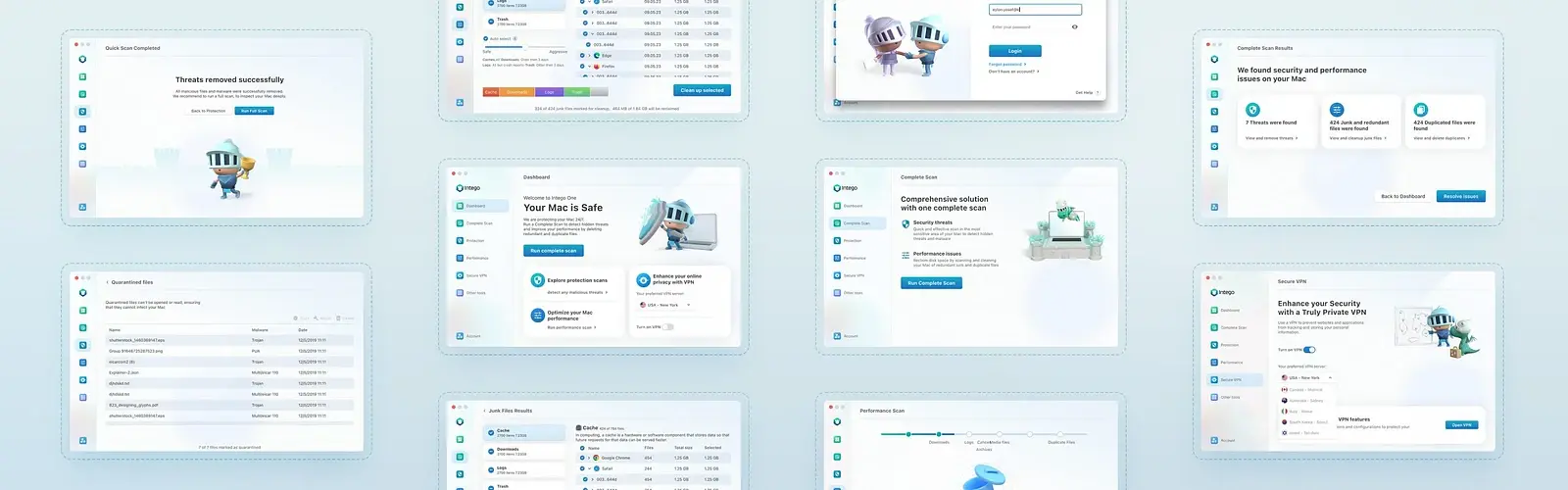
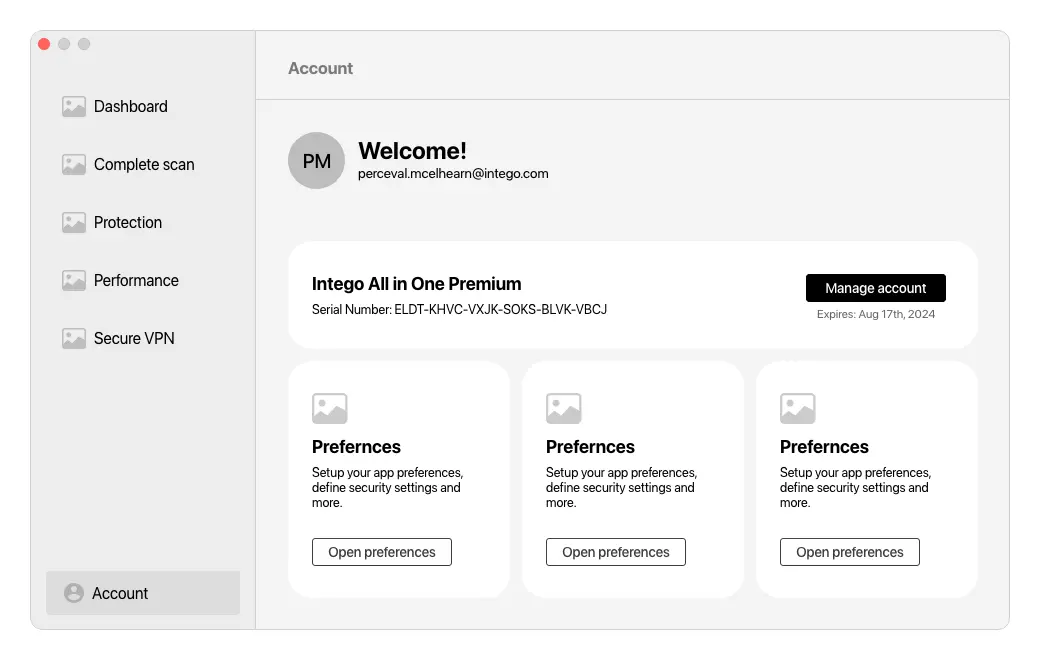
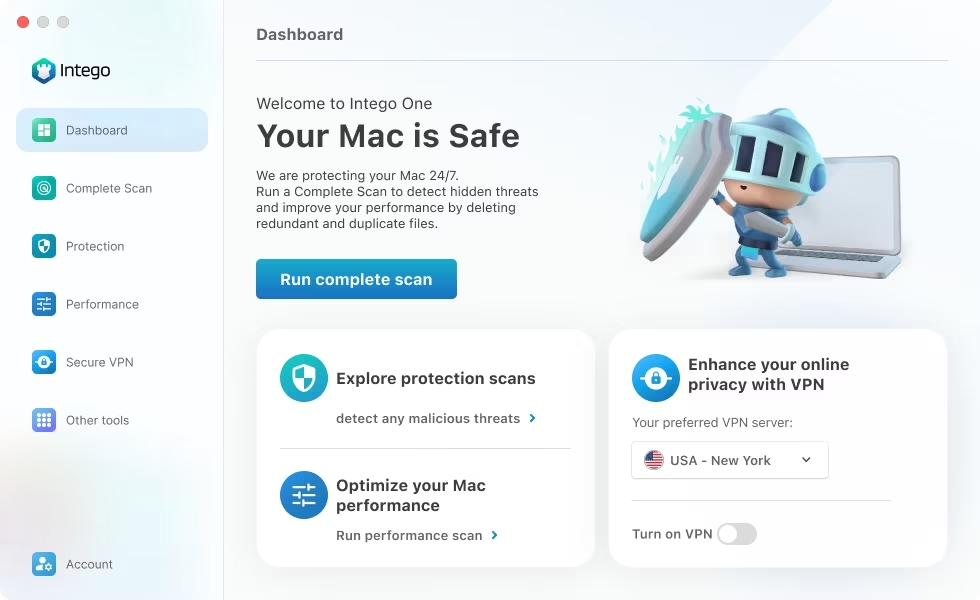
A lot of security software runs on fear. I wanted Intego to feel like relief instead, so I designed a new visual language that feels calm and even pleasant, in a product whose whole job is to protect people.
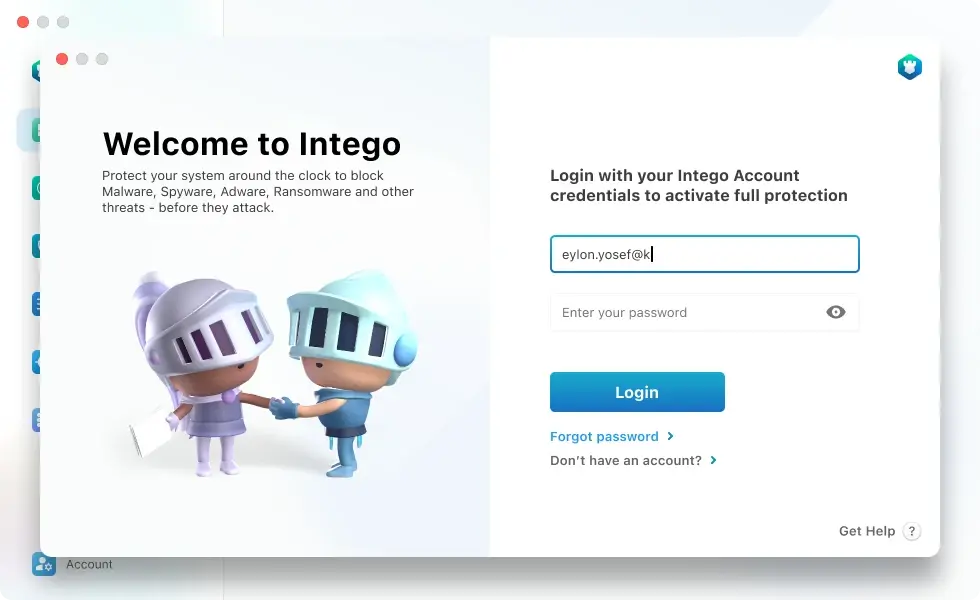
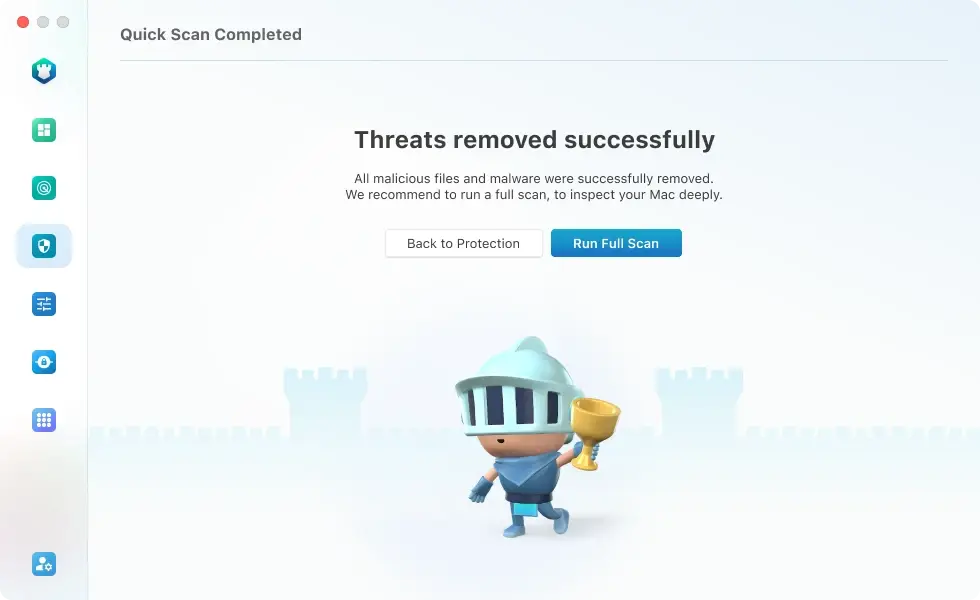
Most antivirus interfaces rely on alarm: red shields, warning badges, urgent percentages. That keeps people anxious about the very thing that's supposed to reassure them. This was a turning point for Intego, the first use of the brand's new visual language and a deliberate move away from that tone, using calm color, soft depth, plenty of space, and friendly illustration instead of threat.
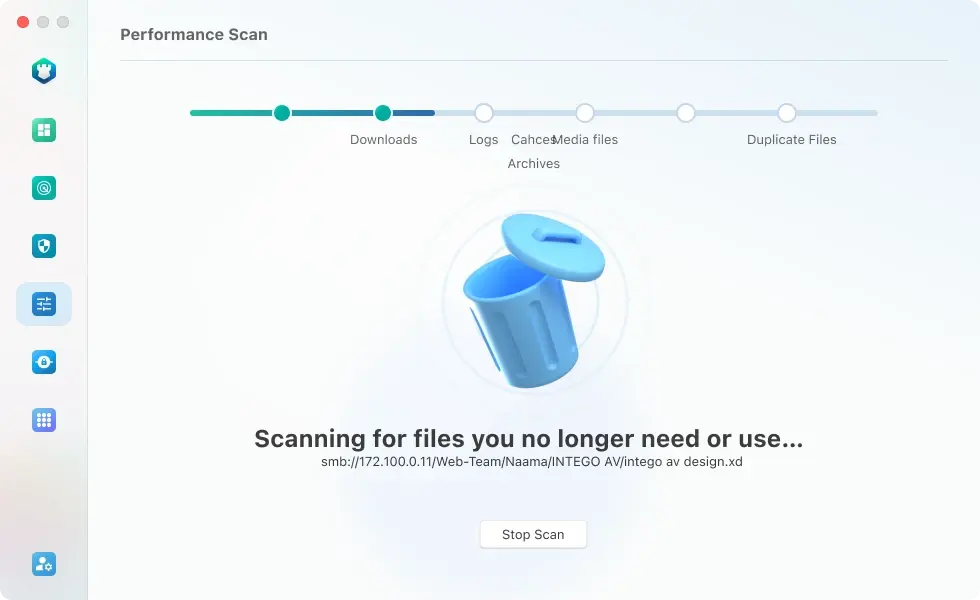
We combined familiar UX patterns with macOS-native components and playful, tactile interactions. Animations make a clean scan feel like a small win instead of just a status update, and a protected device reads as genuinely reassuring, not just “OK.” The result is a product that earns trust by feeling warm, so people can deal with their device's security in a relaxed, easy way.
- 01Reassure, don’t alarm — a calm, optimistic visual tone replaces the genre’s default of fear.
- 02Reward the safe state — motion and illustration make a protected device feel like a small win, not just a status.
- 03Make protection feel human — friendly characters and soft depth turn an abstract system into something approachable.
Experience Principle
Thebestprotectionisthekindpeopleforgetisthere
A happy customer is one who rarely opens the app, because Intego is quietly protecting their device in the background.
That idea shaped how I prioritized the experience. Real-time protection, scheduled scans, and background monitoring do the work quietly, so the day-to-day experience is calm and almost invisible. The point isn't to get people to use the app more; it's to give them peace of mind. The interface stays out of the way until there's something genuinely worth showing.
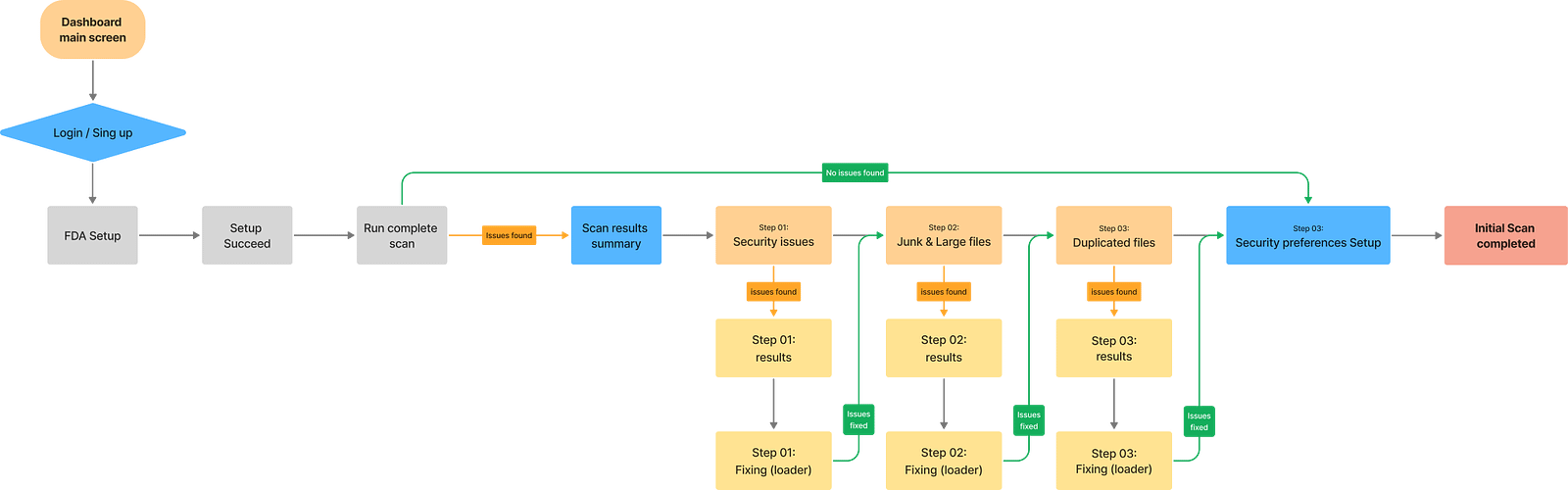
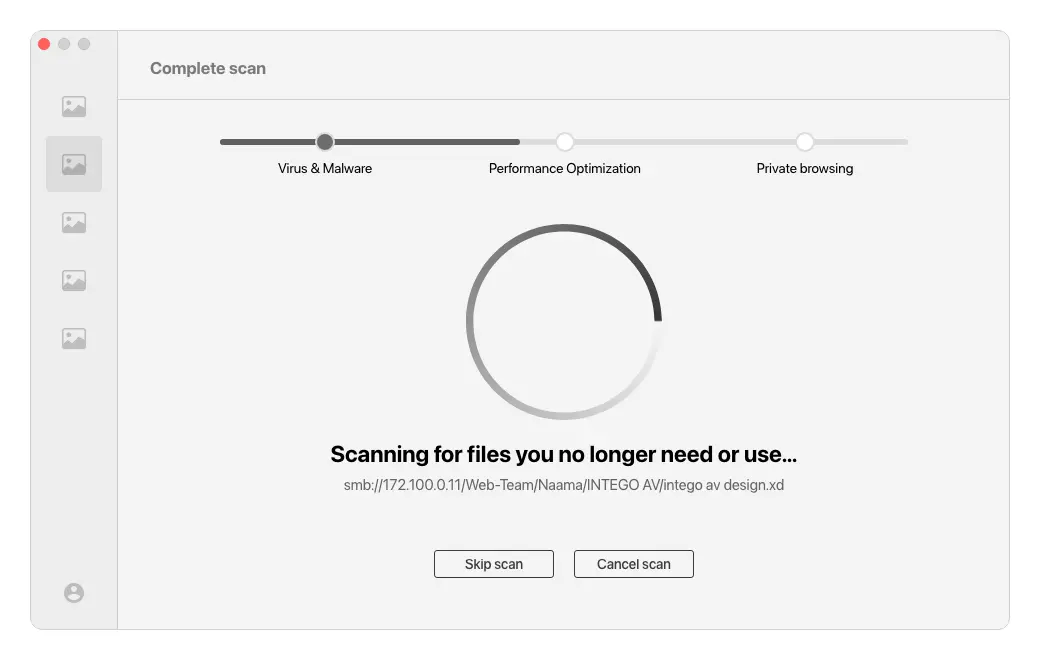
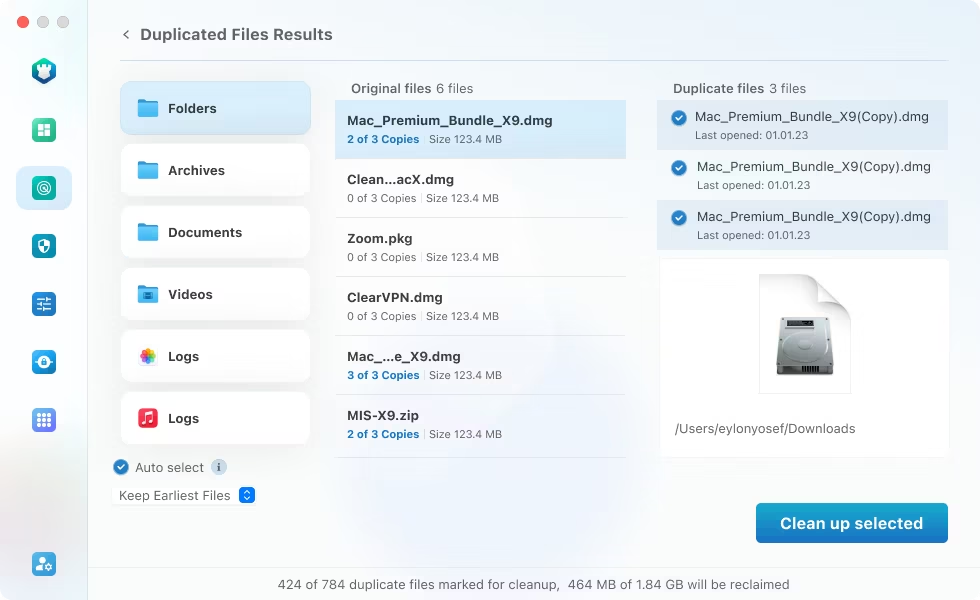
But the moment something does come up, it has to be easy to handle. When a threat appears or a scan finds an issue, the path to scan, detect, and resolve is cut down to the fewest, clearest steps. Plain-language explanations replace jargon, the recommended action is always obvious, and one tap takes the user from “something's wrong” to “it's handled.”
- 01Quiet by default — background protection means a healthy device almost never demands attention.
- 02Effortless when it matters — scanning, detecting, and resolving an issue takes the fewest possible taps.
- 03Clear over clever — plain-language guidance and one obvious next action turn worry into resolution.
Lessons Learned
WhatItookaway
1. Involve stakeholders often. Talking early and regularly built trust, avoided rework, and made sure the final product worked for leadership, product, marketing, and engineering.
2. A design system pays off. Putting the work into reusable components and clear guidelines saved time, kept things consistent, and made the developers faster.
3. Teamwork needs planning. Setting roles, responsibilities, and how we'd communicate up front made the whole process smoother.
Next Project· Protected